Building Your First MCP Server in Go
Building Your First MCP Server in Go Link to heading
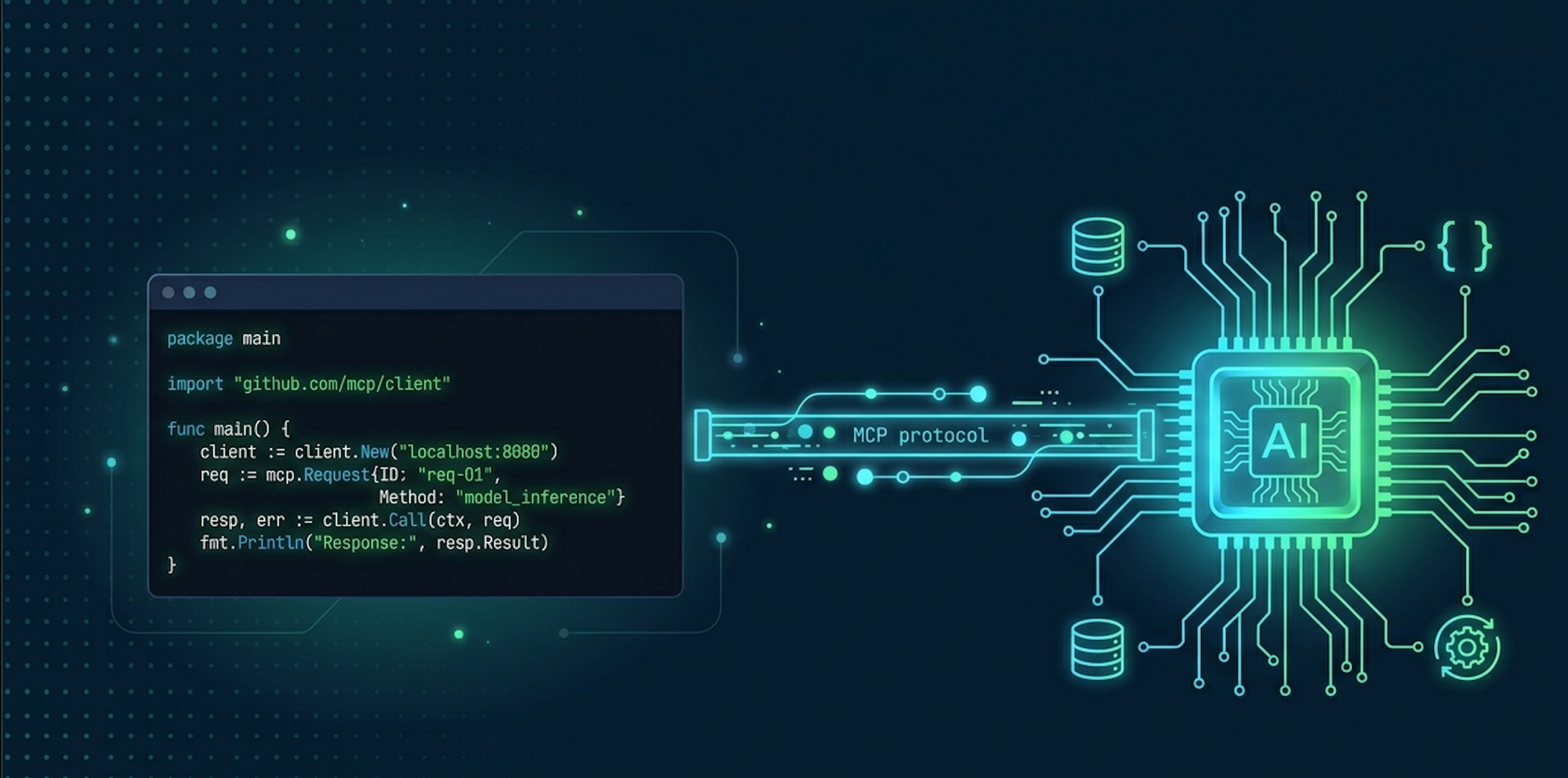
MCP (Model Context Protocol) is the standard that lets LLMs connect to the outside world. By default, your AI assistant is isolated — it can’t read your database, call an API, or touch your filesystem. When you build an MCP server, you give it that access. Add a Postgres MCP server to your agent, and it can query your PostgreSQL database by making a tool call.
In this guide we’ll build a hello world MCP server in Go from scratch, to understand the concept.
Project Setup Link to heading
mkdir hello-mcp-server && cd hello-mcp-server
go mod init github.com/yourname/hello-mcp-server
go get github.com/mark3labs/mcp-go
We use mcp-go — the most popular Go library for MCP servers.
Create the Server Link to heading
s := server.NewMCPServer(
    "Demo 🚀",
    "1.0.0",
    server.WithToolCapabilities(false),
)
Creates the MCP server with a name and version. WithToolCapabilities(false) tells the client the tool list is fixed at startup — no dynamic registration. No HTTP, no ports.
Define a Tool Link to heading
helloTool := mcp.NewTool("hello_world",
    mcp.WithDescription("Say hello to someone"),
    mcp.WithString("name",
        mcp.Required(),
        mcp.Description("Name of the person to greet"),
    ),
)
The description is what the AI reads to decide when to call this tool — write it clearly. The parameter is typed and required, with its own description so the AI knows what to pass.
Write the Handler Link to heading
func helloHandler(ctx context.Context, req mcp.CallToolRequest) (*mcp.CallToolResult, error) {
    name, err := req.RequireString("name")
    if err != nil {
        return mcp.NewToolResultError(err.Error()), nil
    }
    return mcp.NewToolResultText(fmt.Sprintf("Hello, %s!", name)), nil
}
RequireString reads the parameter from the request. NewToolResultError returns a soft error the AI can read and react to — the server keeps running. NewToolResultText returns the result back to the AI.
Register and Serve Link to heading
s.AddTool(helloTool, helloHandler)

if err := server.ServeStdio(s); err != nil {
    fmt.Printf("Server error: %v\n", err)
}
AddTool wires the tool to its handler. ServeStdio starts the server and blocks — Claude Code and Cursor spawn your binary as a subprocess and talk to it over stdin/stdout.
Full Code Link to heading
package main

import (
    "context"
    "fmt"

    "github.com/mark3labs/mcp-go/mcp"
    "github.com/mark3labs/mcp-go/server"
)

func main() {
    s := server.NewMCPServer(
        "Demo 🚀",
        "1.0.0",
        server.WithToolCapabilities(false),
    )

    helloTool := mcp.NewTool("hello_world",
        mcp.WithDescription("Say hello to someone"),
        mcp.WithString("name",
            mcp.Required(),
            mcp.Description("Name of the person to greet"),
        ),
    )

    s.AddTool(helloTool, helloHandler)

    if err := server.ServeStdio(s); err != nil {
        fmt.Printf("Server error: %v\n", err)
    }
}

func helloHandler(ctx context.Context, req mcp.CallToolRequest) (*mcp.CallToolResult, error) {
    name, err := req.RequireString("name")
    if err != nil {
        return mcp.NewToolResultError(err.Error()), nil
    }
    return mcp.NewToolResultText(fmt.Sprintf("Hello, %s!", name)), nil
}
Build Link to heading
go build -o hello-mcp-server .
A single self-contained binary. No runtime, no dependencies — just a path to hand to the AI client.
Connect to Claude Code Link to heading
claude mcp add --scope user hello-mcp-server -- /Users/absolute/path/to/hello-mcp-server
--scope user makes it available across all your projects. Use --scope project to share with your team via .mcp.json in git.
claude mcp list
This command should show the hello-mcp-server in the list of mcp server of Claude code
Try it Link to heading
Once connected, just type in Claude Code:
use hello_world with name John

Connect to Cursor Link to heading
Add to ~/.cursor/mcp.json (global) or .cursor/mcp.json in your project root:
{
  "mcpServers": {
    "hello-mcp-server": {
      "command": "/absolute/path/to/hello-mcp-server",
      "args": []
    }
  }
}
Restart Cursor. Your tool will appear in the MCP tools list.
That’s It Link to heading
| Step | What |
|---|---|
NewMCPServer |
Create the server |
NewTool |
Define a tool — name, description, params |
AddTool |
Wire the tool to its handler |
ServeStdio |
Start serving over stdin/stdout |
go build |
Compile to a single binary |
Add more tools by repeating the define → register → handle pattern for each one.